


The HauteApp journey

    From day one to a fashion house.

    Follow the thread. This is HauteApp in the order you'll use it, from opening your store to your first order, your first payment and the team that grows around you.

    Day one

    Open your store in a few minutes.

    Download HauteApp, sign up as a shop owner and tell us about your business: your shop's name, what you make and who you make it for. A short tour shows you around.

    • Download HauteApp free on iPhone or Android
    • Sign up as a shop owner
    • Add your shop's name and what you specialise in
    • Take the short tour
    Every morning

    Your workspace knows what needs you.
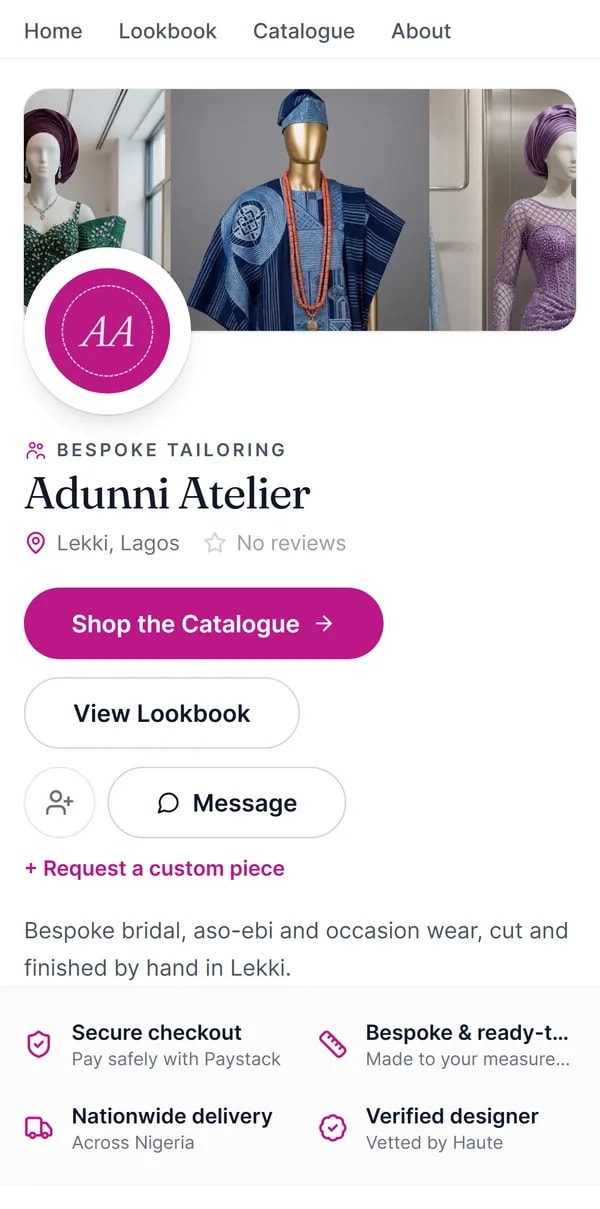
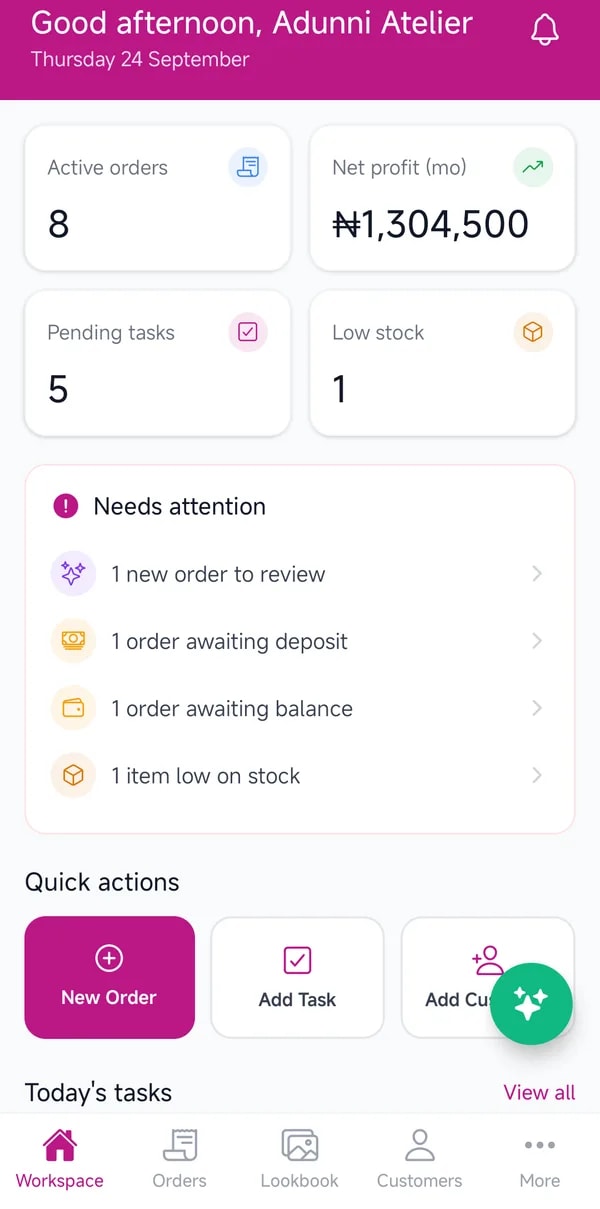
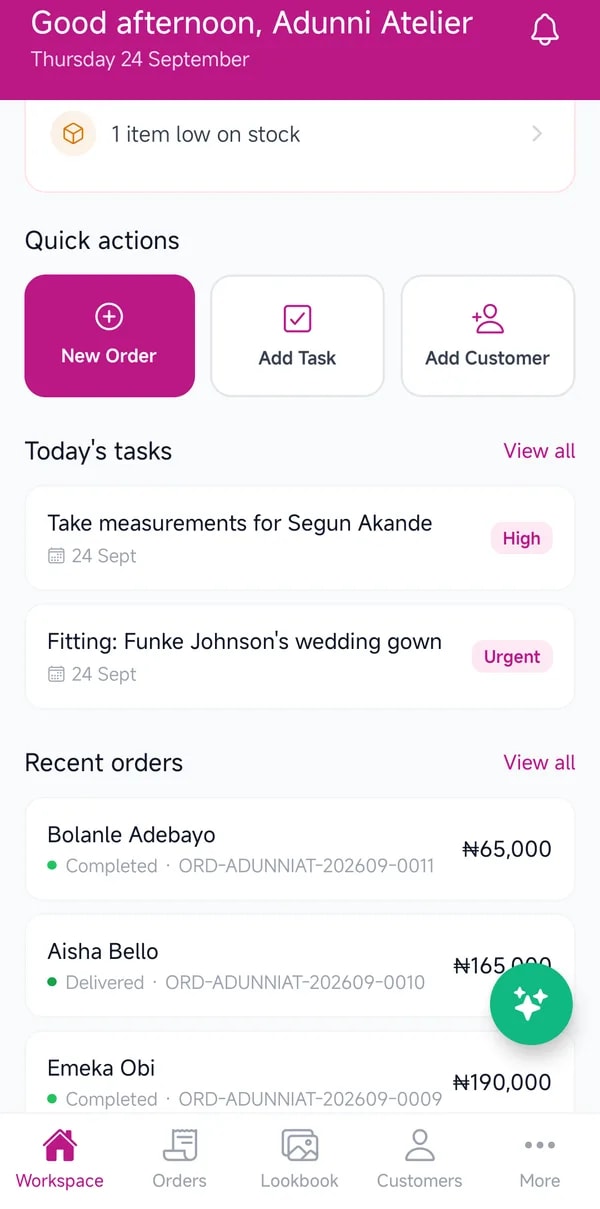
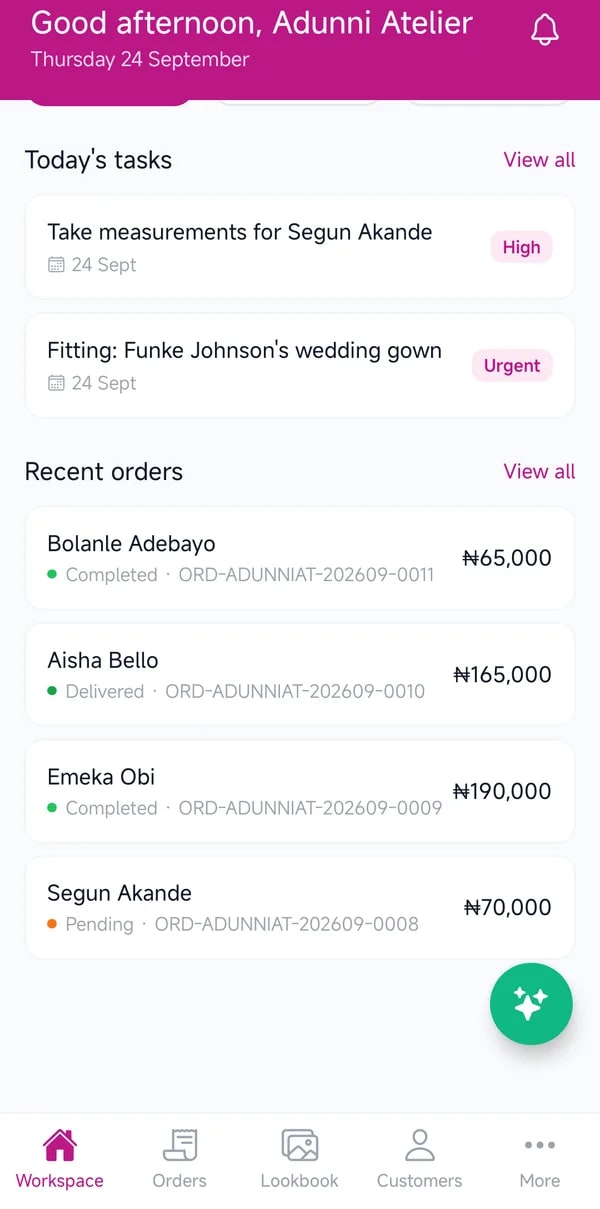
    One screen for the day ahead: active orders, profit this month, tasks due and anything waiting on you, from a new order to review to a balance still owed.

    • See active orders and this month's profit
    • Clear what needs attention
    • Jump straight into a new order, task or client

    Your first client
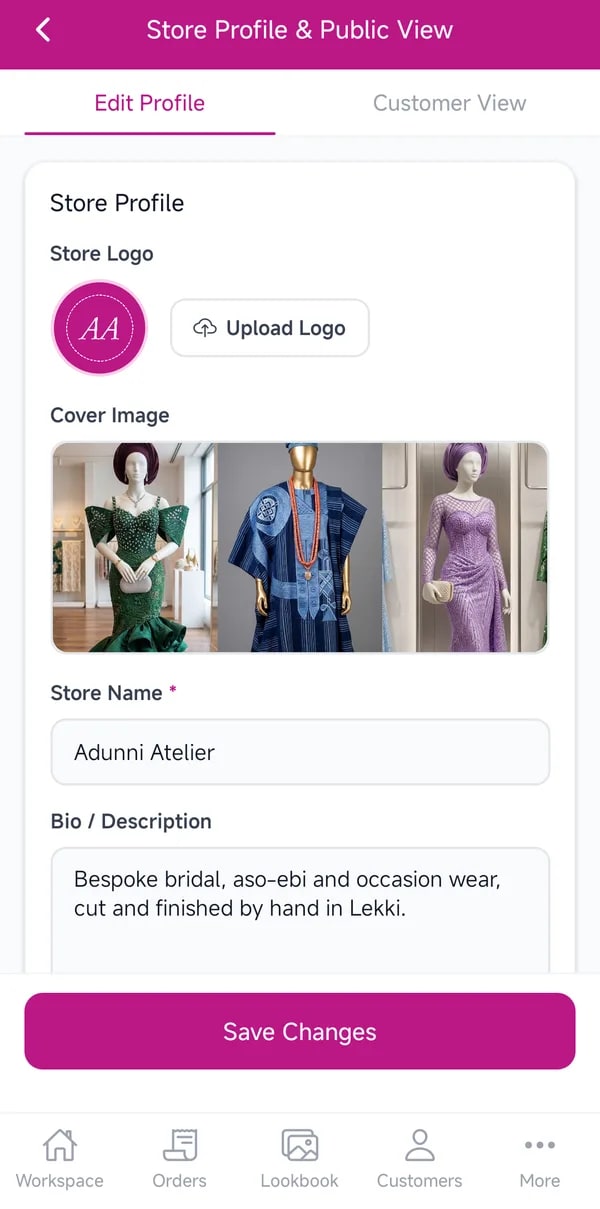
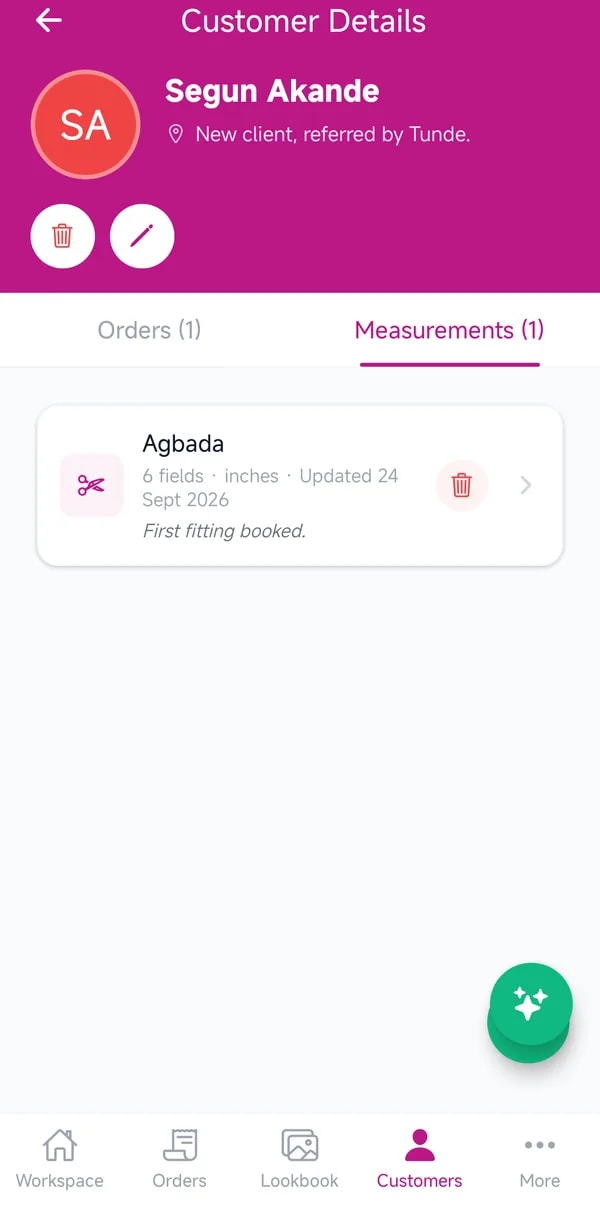
    Every client, in one place.

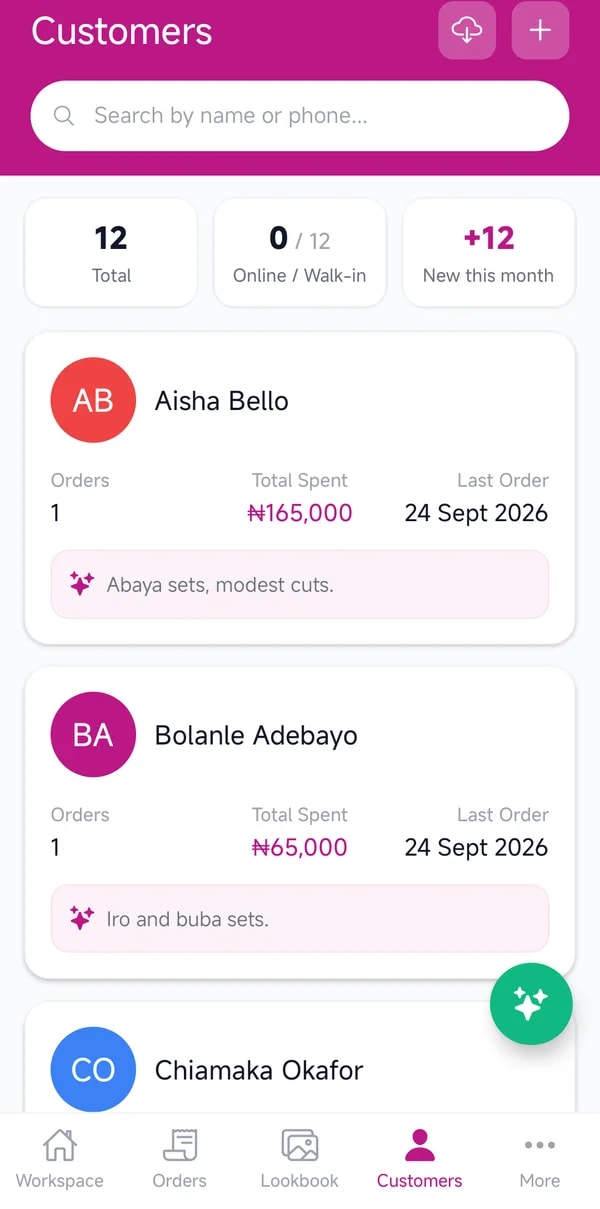
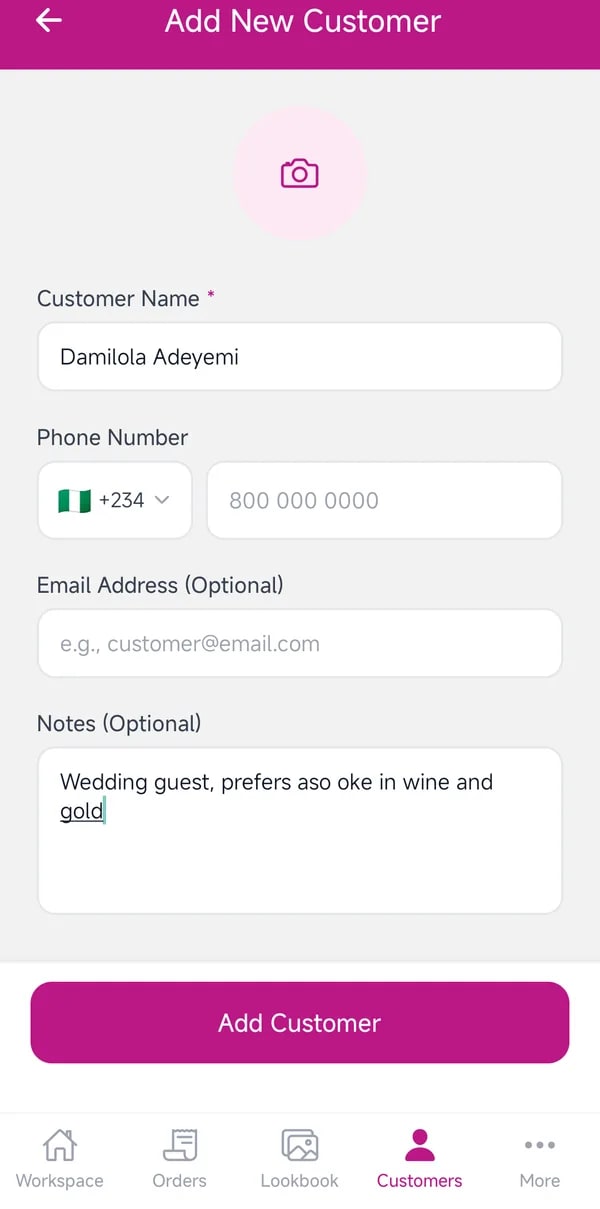
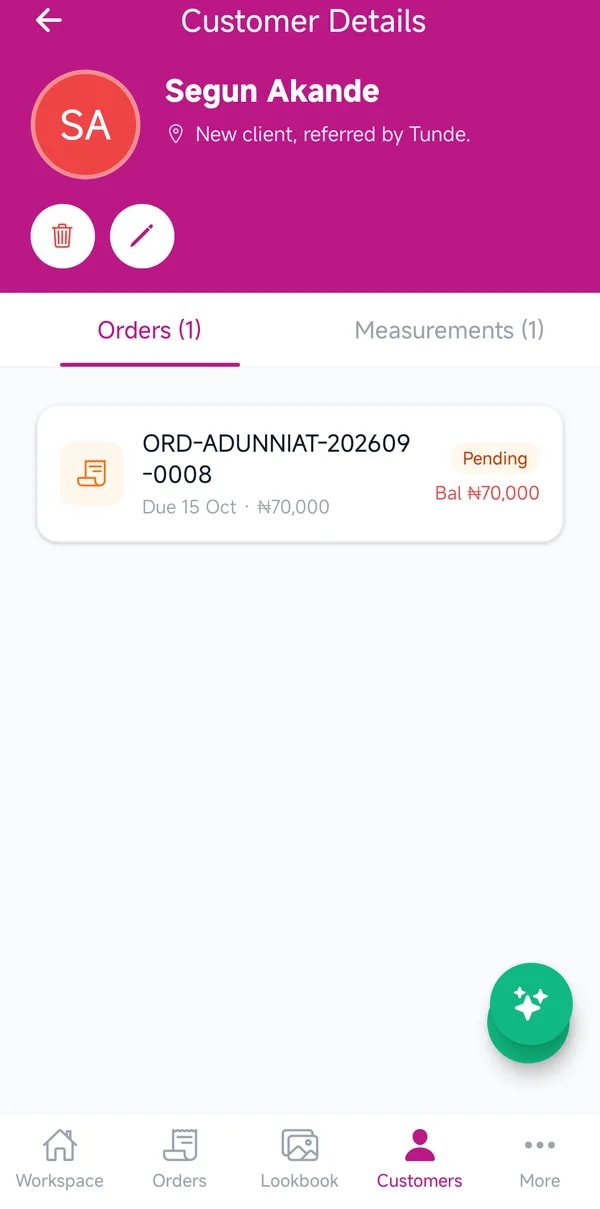
    Add clients one by one, or bring them in from your phone's contacts in a single step. Each one keeps their orders, what they have spent and when they last ordered.
    • Add a client with a name and phone number
    • Or import many at once from your contacts
    • Open a client to see their full history

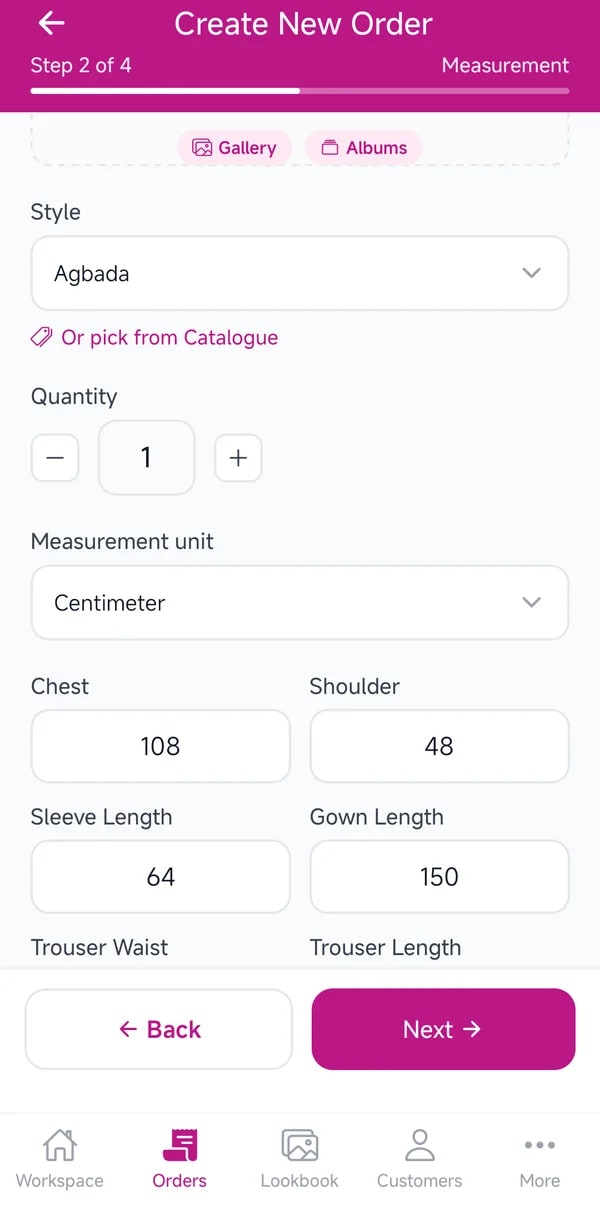
    The tape measure

    Measure once, never again.

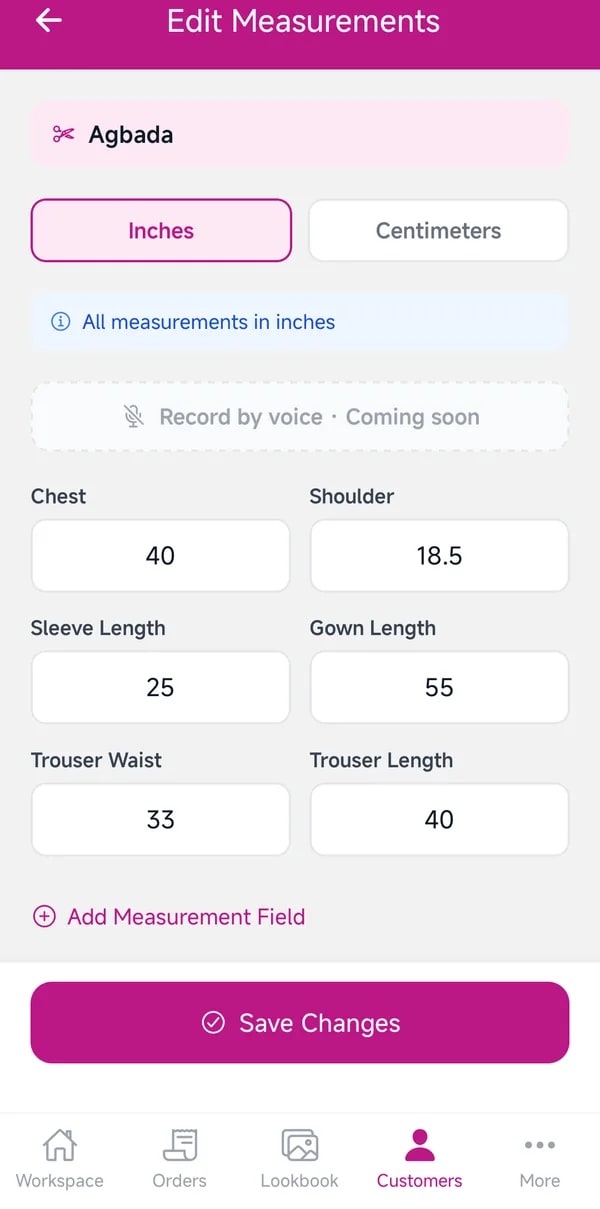
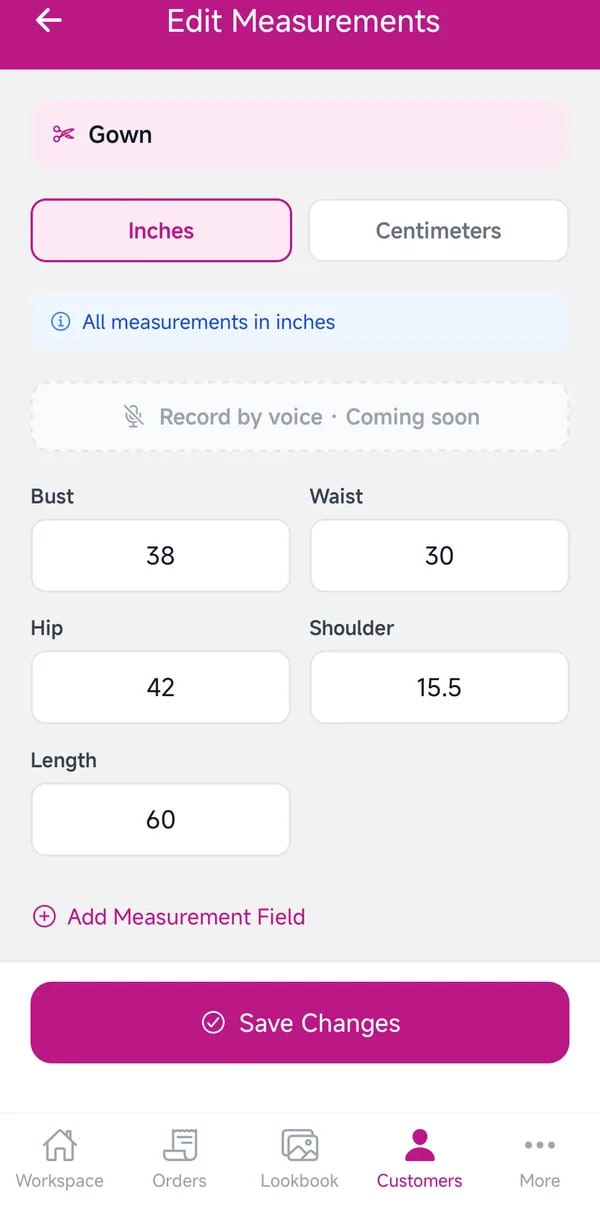
    Measurements are saved against each client and each garment, using your own templates. The next order reuses them, so no one is measured twice for the same piece.

    • Open a client, then Measurements
    • Add a set using one of your templates
    • Attach a saved set to their next order

    Your styles

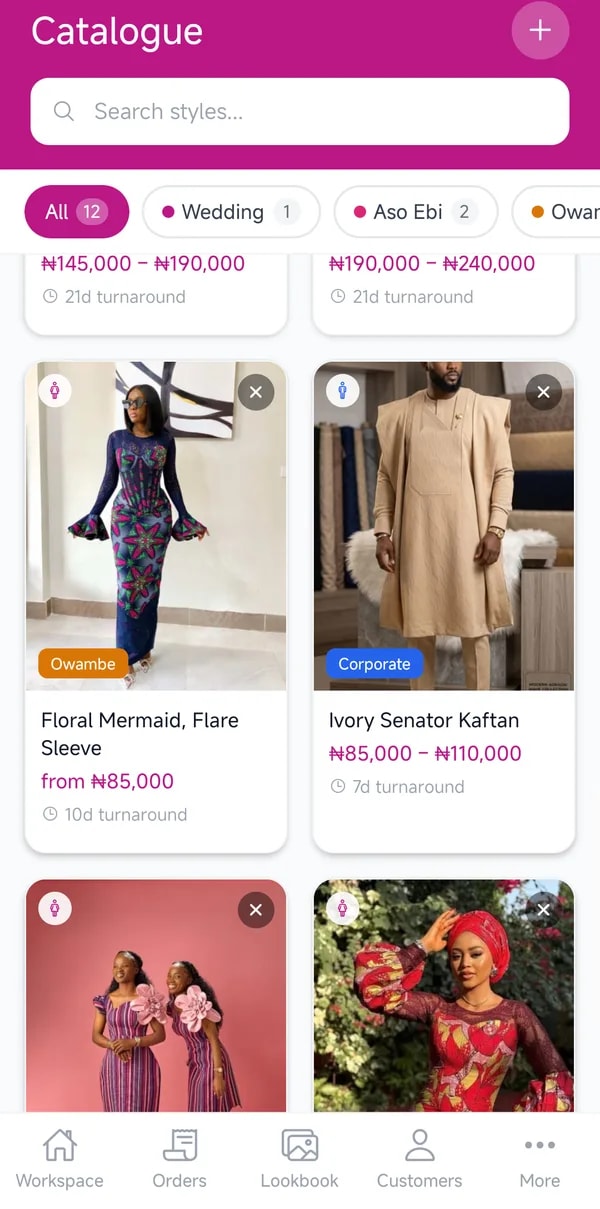
    Build your catalogue, price by price.

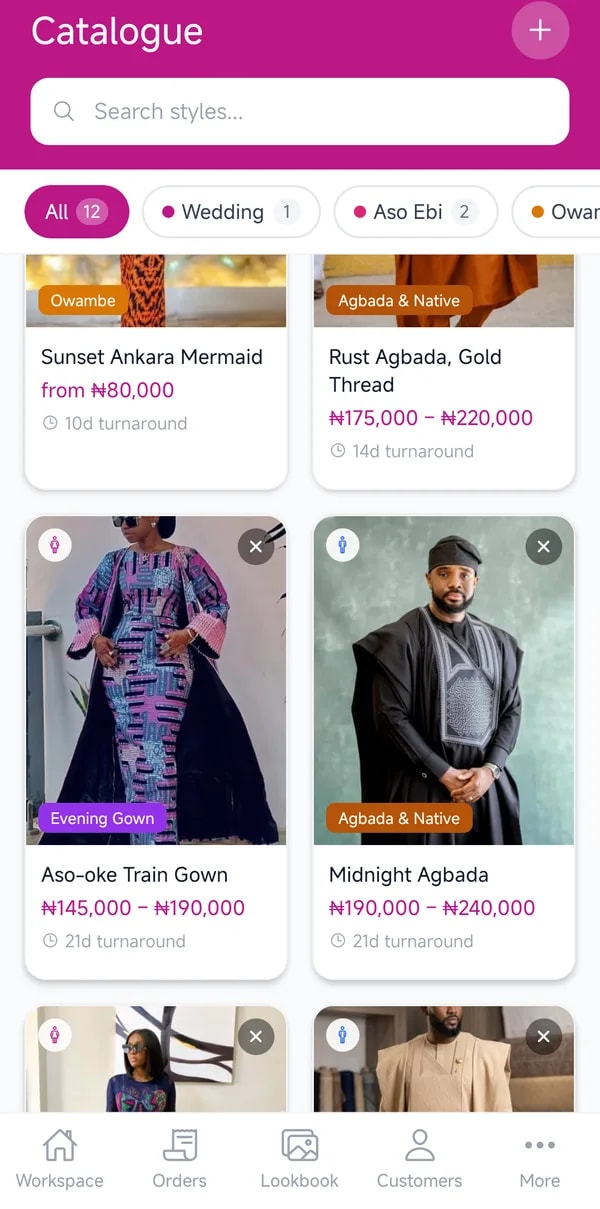
    Every style you make, with its price range, turnaround and category. Your catalogue feeds your orders and your online boutique, so you set it up once.

    • Add a style with photos, a price and a turnaround
    • Group styles by occasion: Wedding, Aso Ebi, Corporate
    • Reuse any style when you write an order

    The first order

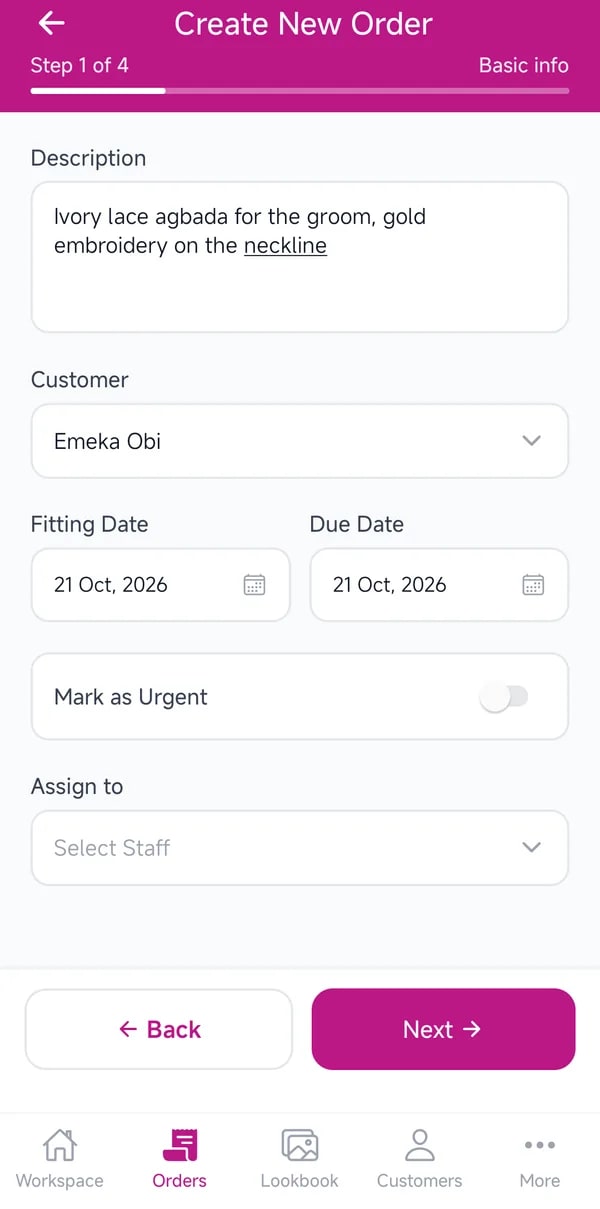
    From request to a tracked order.

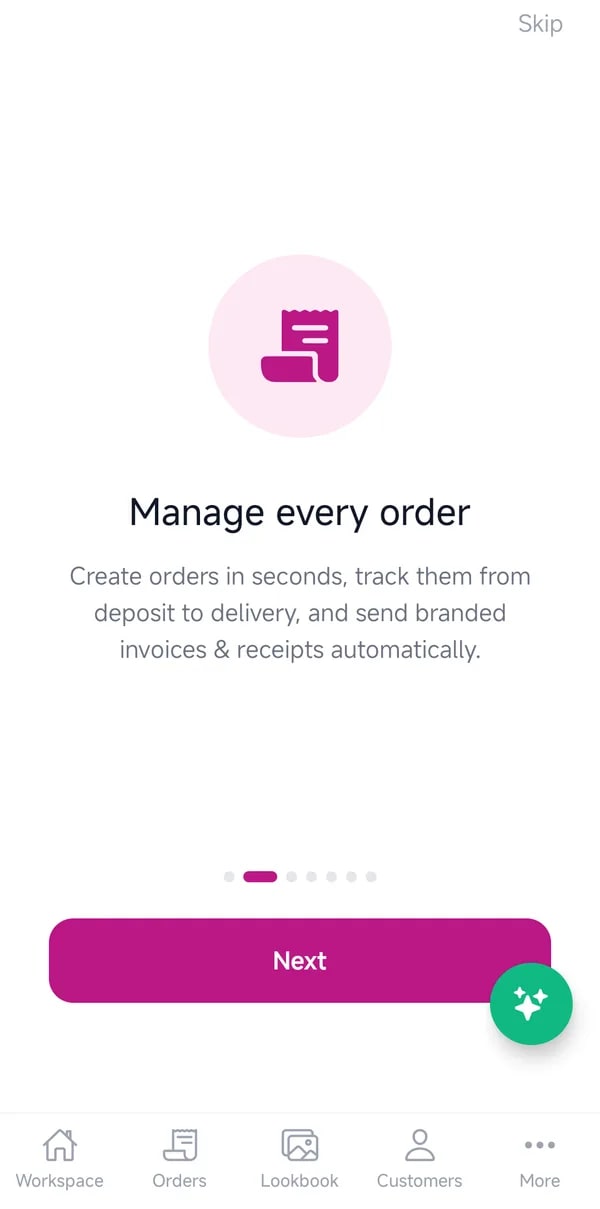
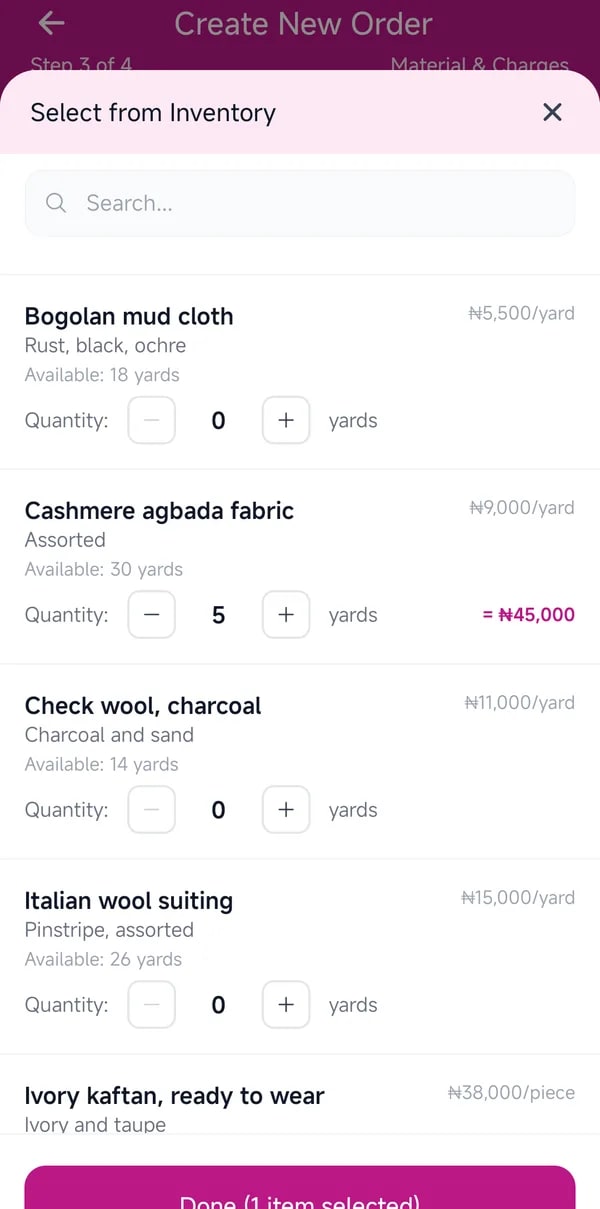
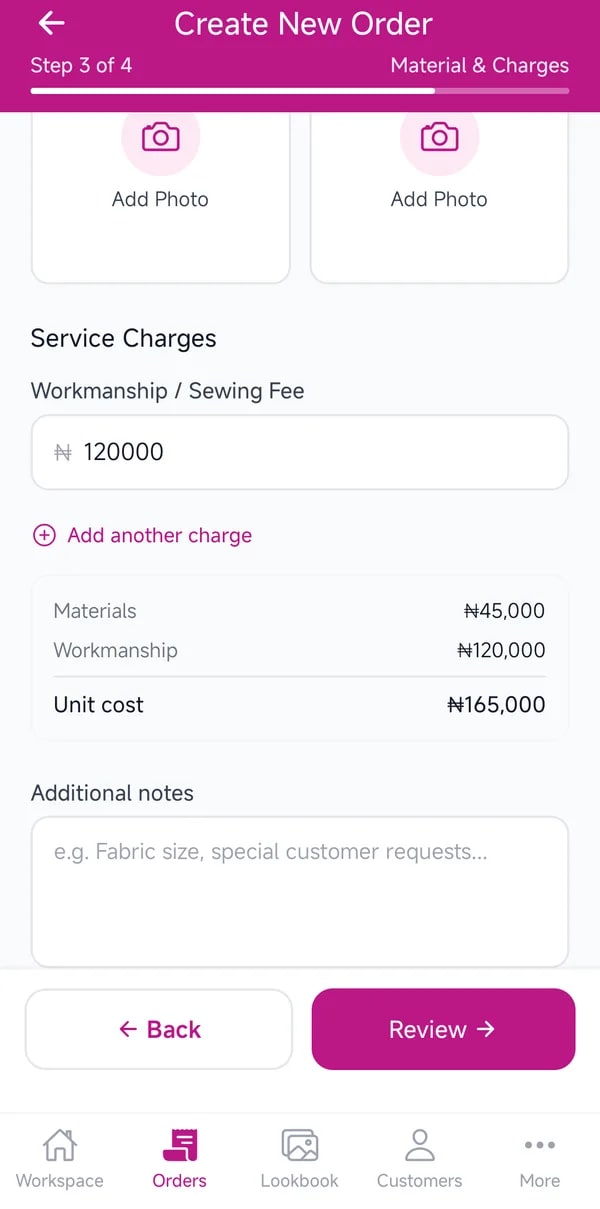
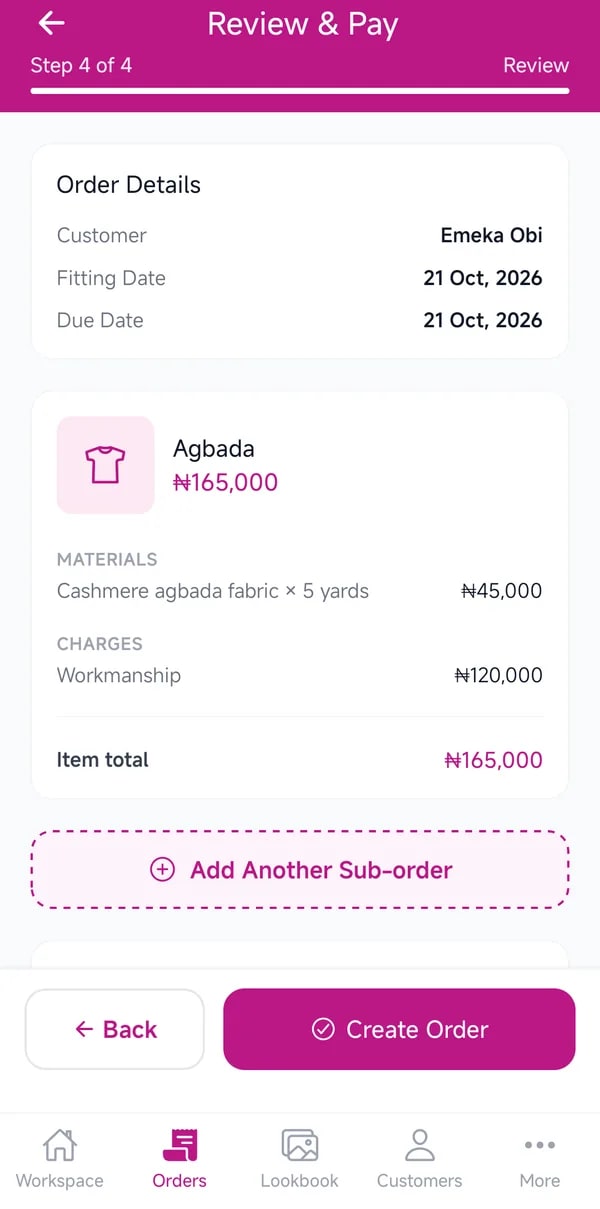
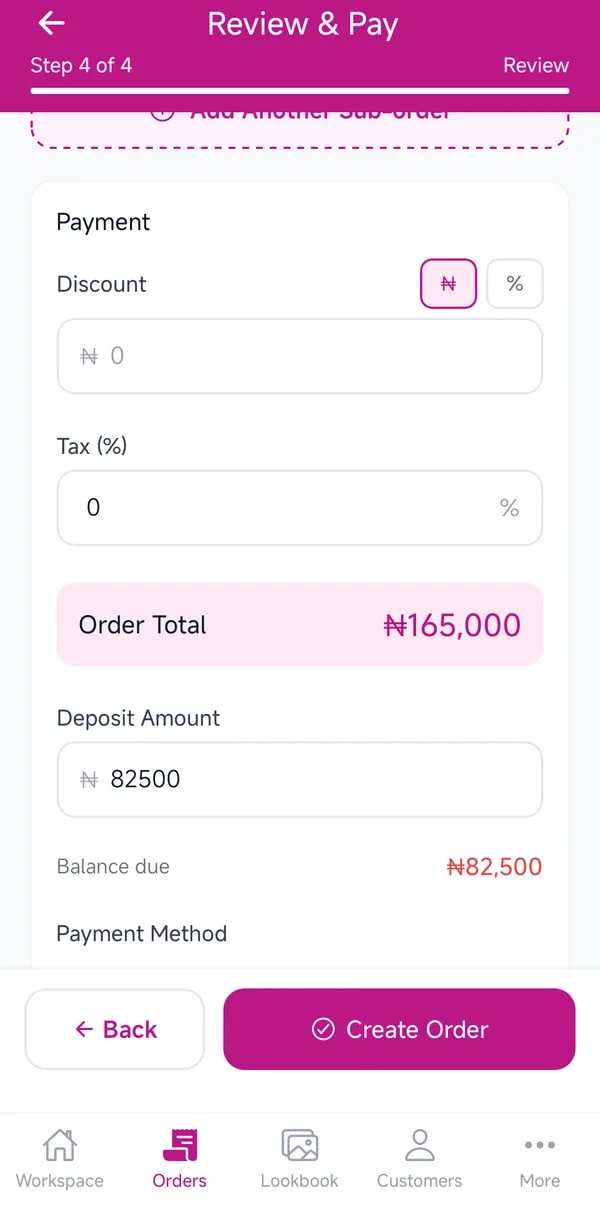
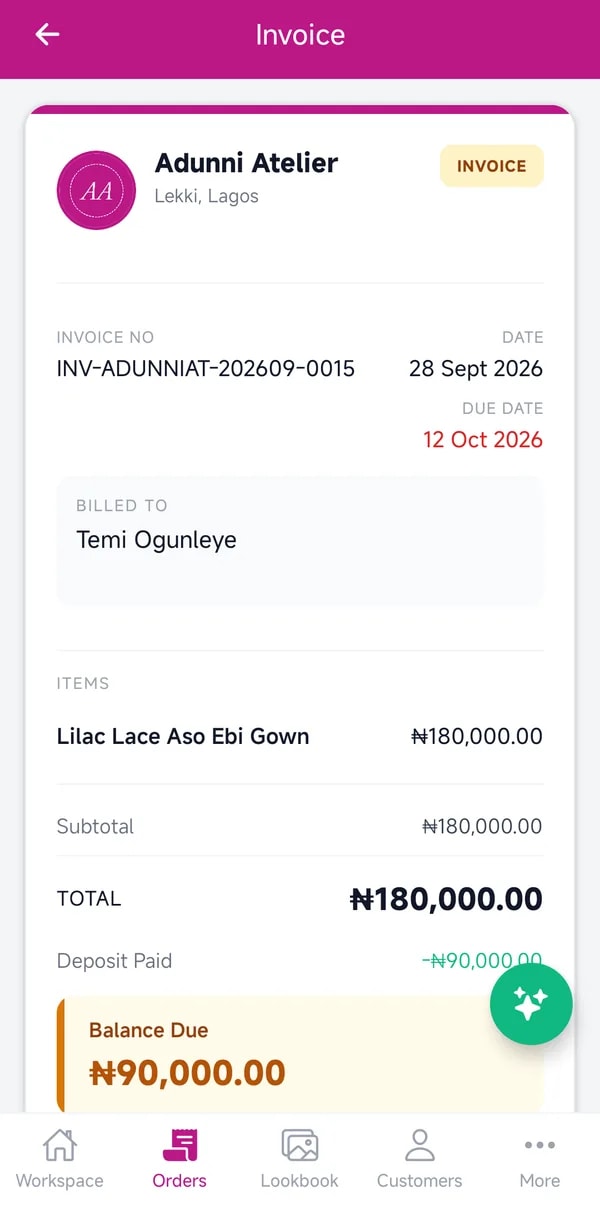
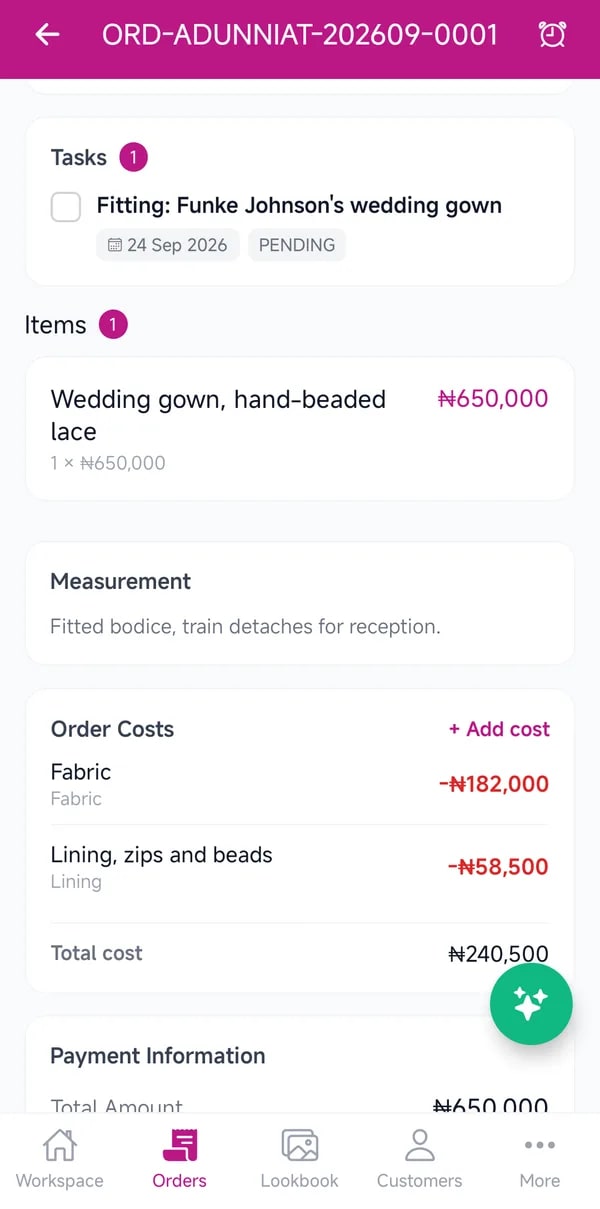
    Pick the client, the style and their measurements, add fabric from your inventory and set a due date. An invoice is created with it, ready to share on WhatsApp.

    • Open Orders and tap the plus button
    • Choose the client, the style and the measurements
    • Add materials, a price and a due date
    • Take a deposit now, or later

    Getting paid

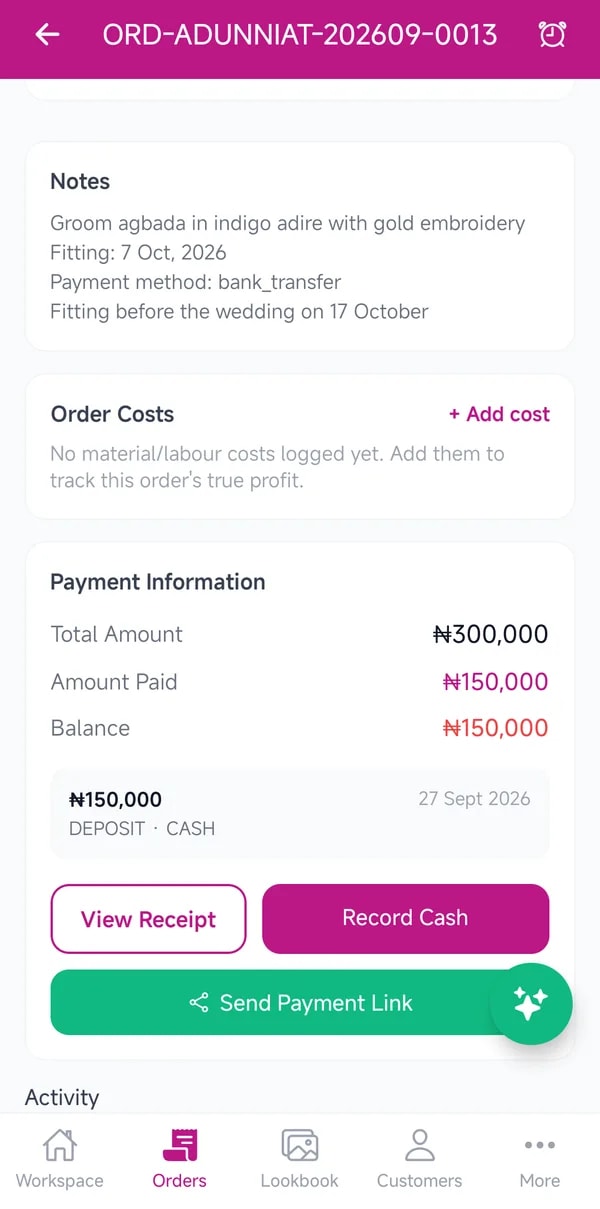
    Deposits, balances, and every naira accounted for.

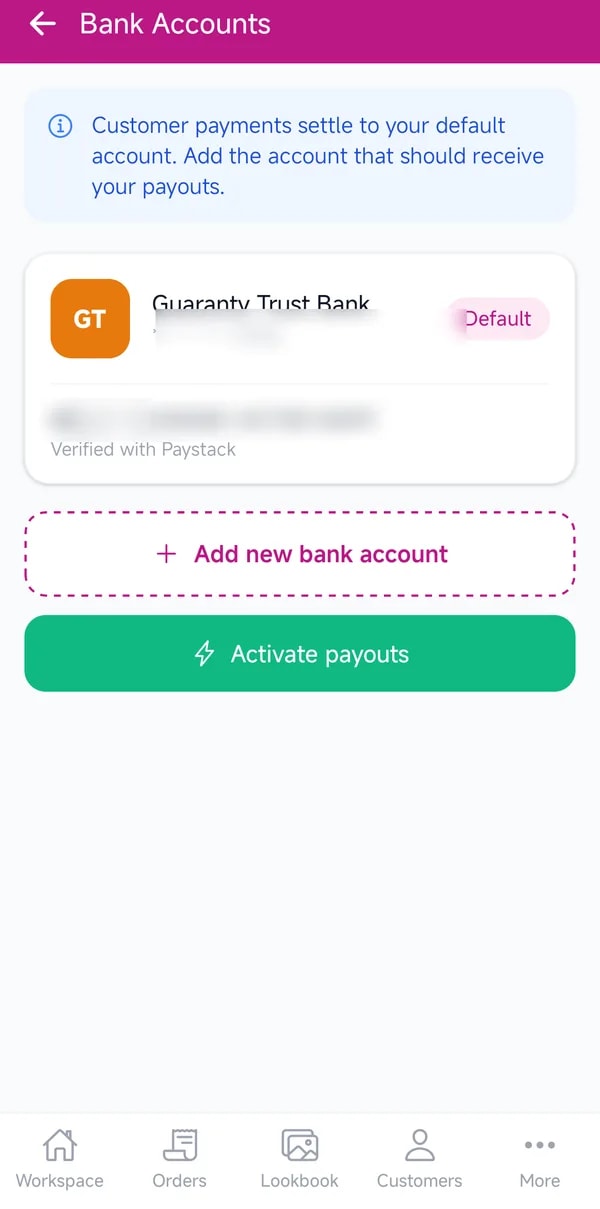
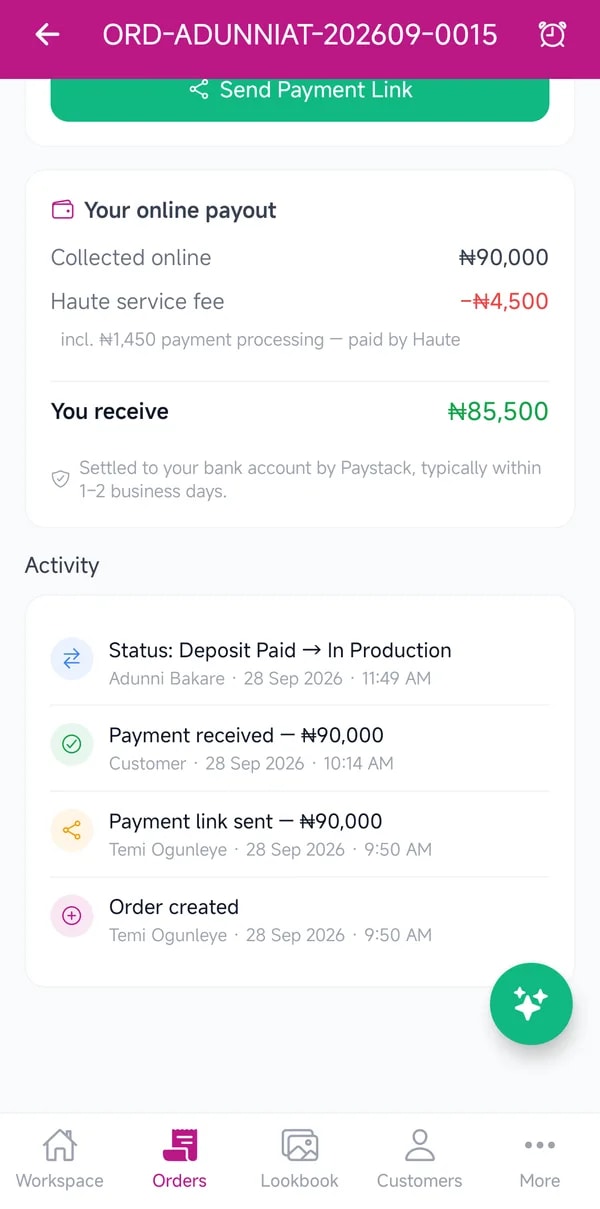
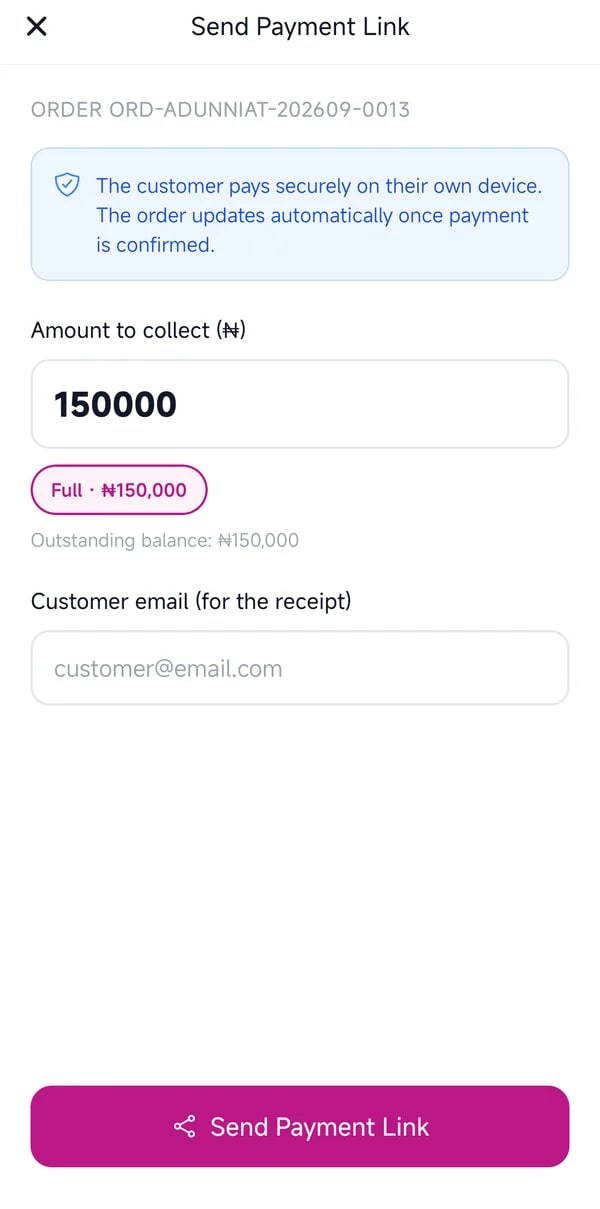
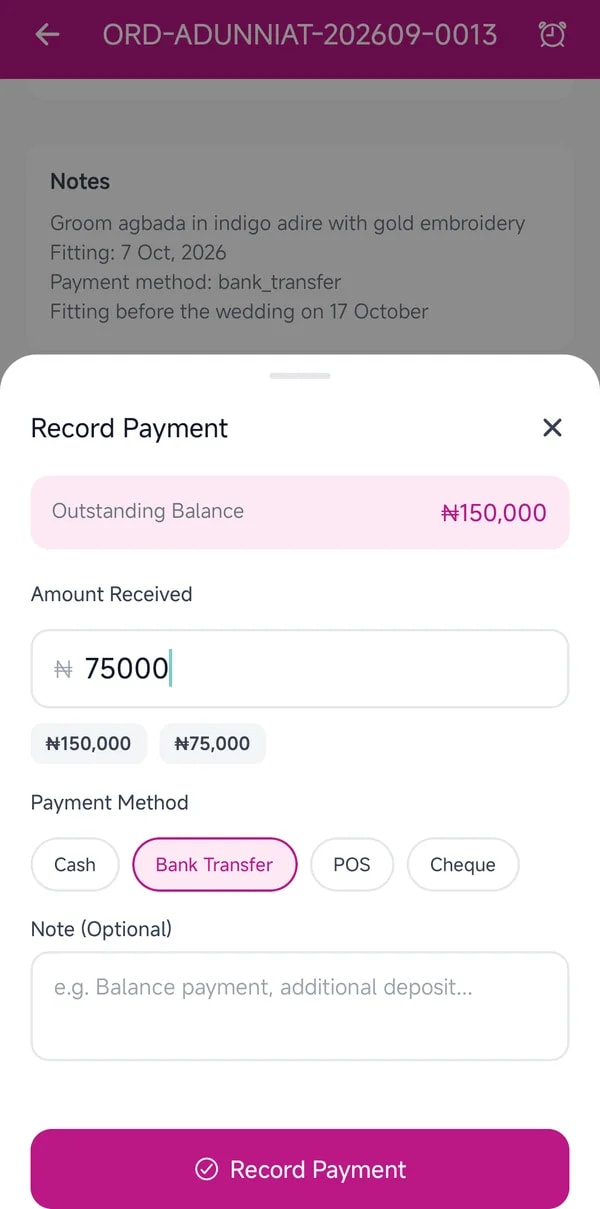
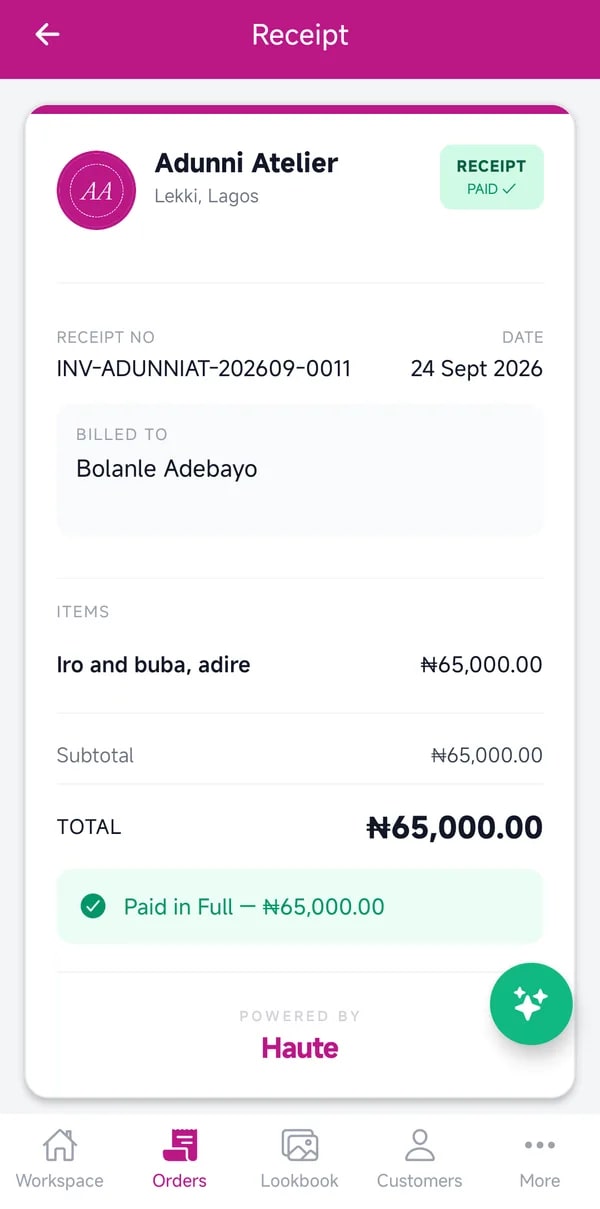
    Send a secure Paystack payment link for the deposit, the balance or the full amount, or record cash and transfers yourself. Every order shows what is paid and what is left, and every online payment shows exactly what reaches you.

    • Request payment for a deposit, balance or the full amount
    • Or record a cash or transfer payment
    • Share the invoice and the receipt
    • See the full payout breakdown on each order

    On the cutting table

    Production, fitting by fitting.

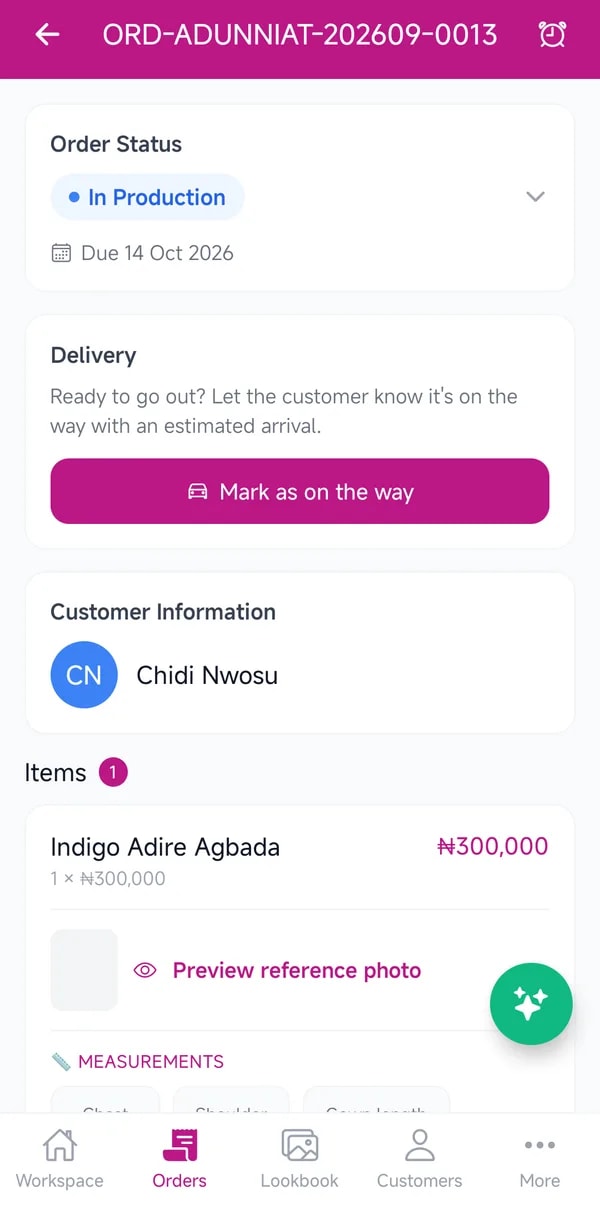
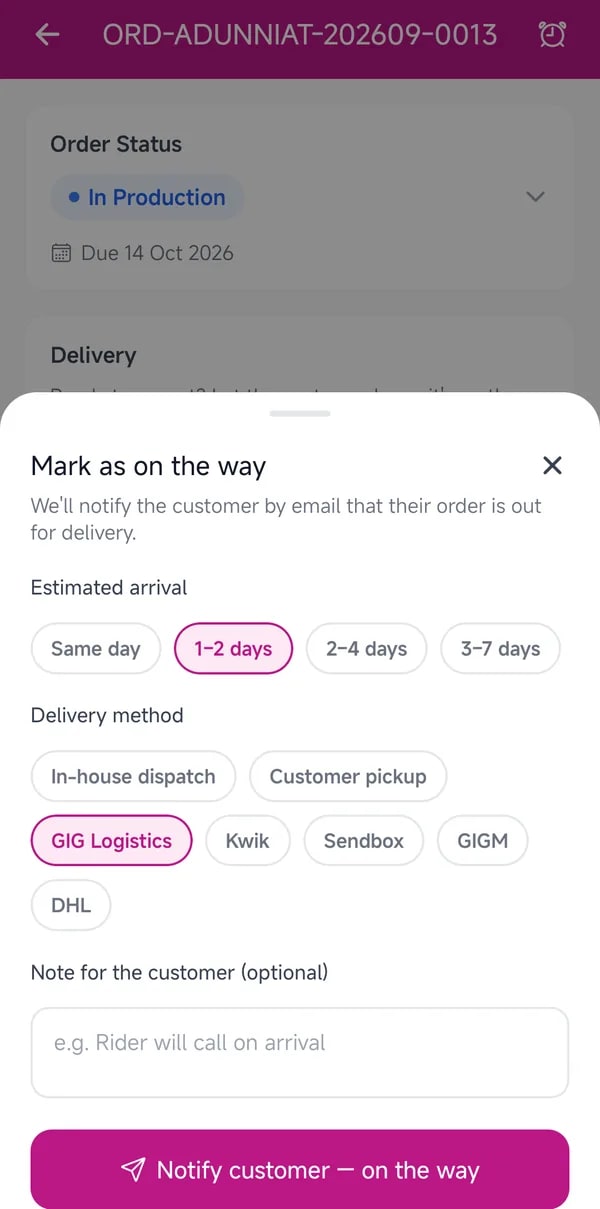
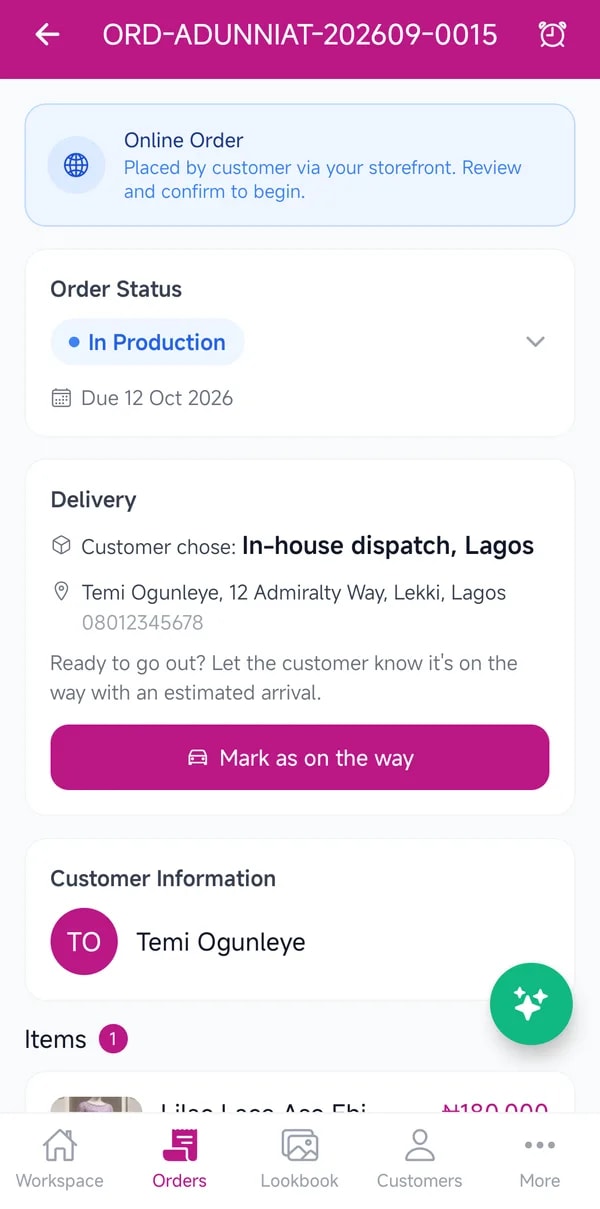
    Move each order through its stages, from confirmed to fitting to delivered, and your client is told at every step. Tasks keep the work moving, and when it leaves your shop, mark it on the way with an arrival time.

    • Advance the order's status as the work happens
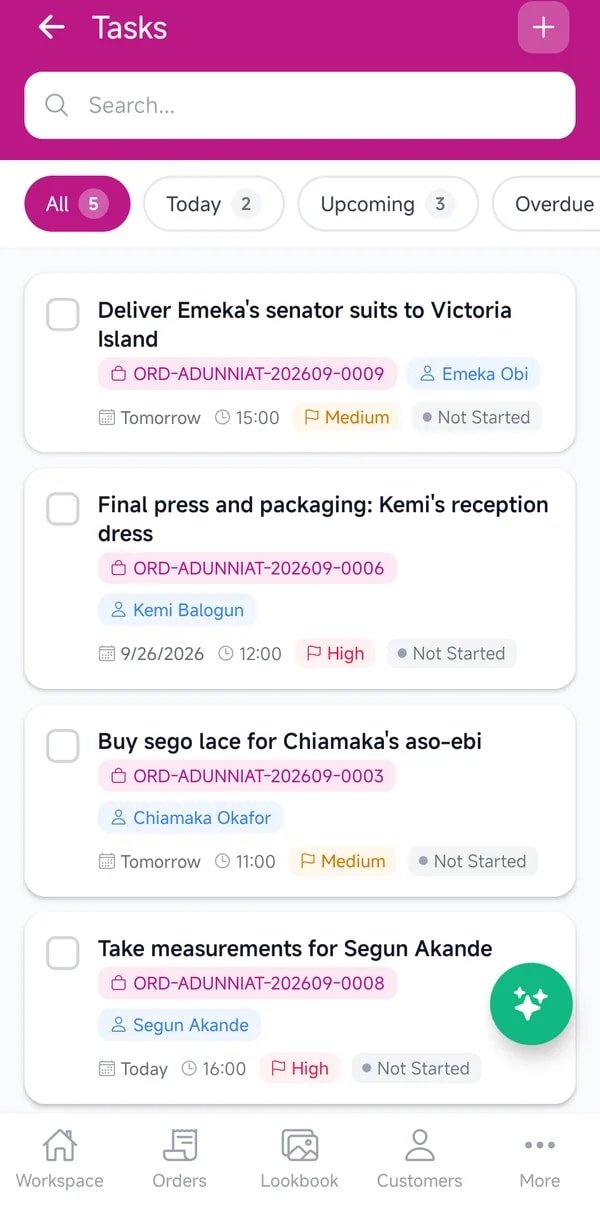
    • Add tasks and assign them to staff
    • Mark the order as on the way when it leaves

    The fabric shelf

    Know what's on the shelf.

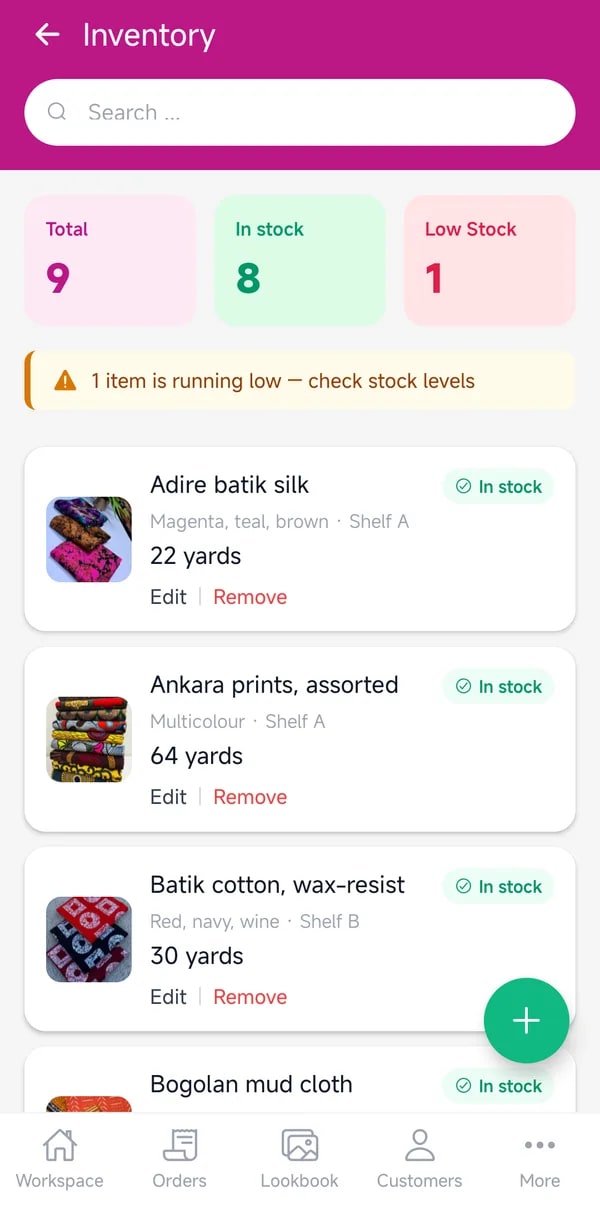
    Fabrics, linings and trims, with how much is left. Low stock is flagged before it holds up an order, and materials you use on an order come off the shelf.

    • Add fabrics and trims with their quantities
    • Use them on orders
    • Restock when an item runs low

    Showing your work

    A lookbook worth sharing.

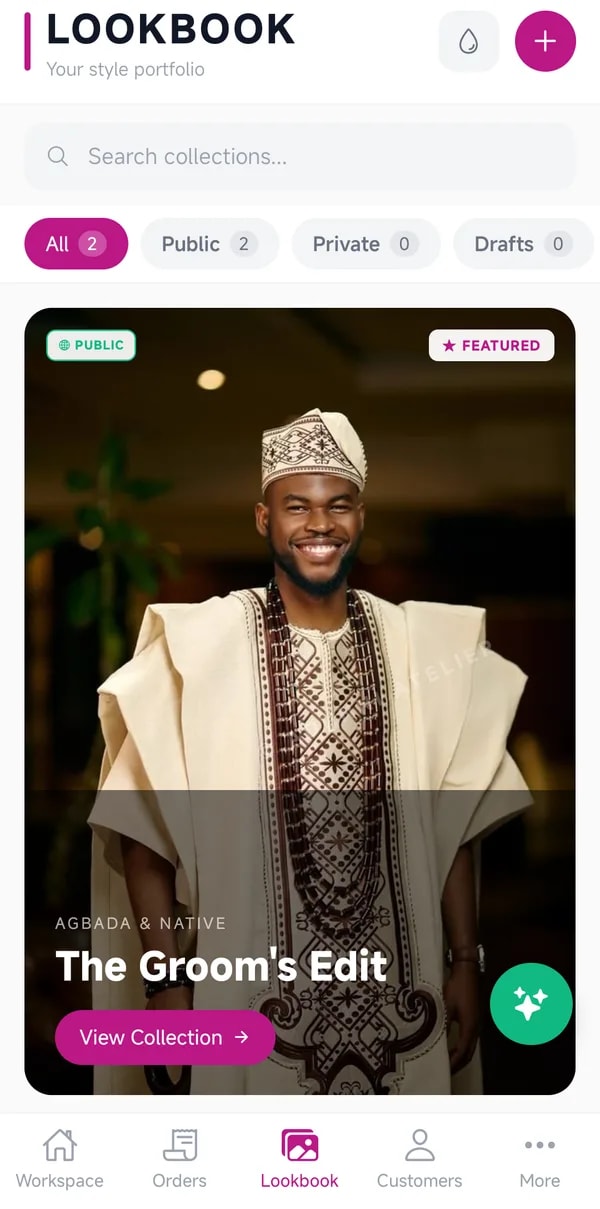
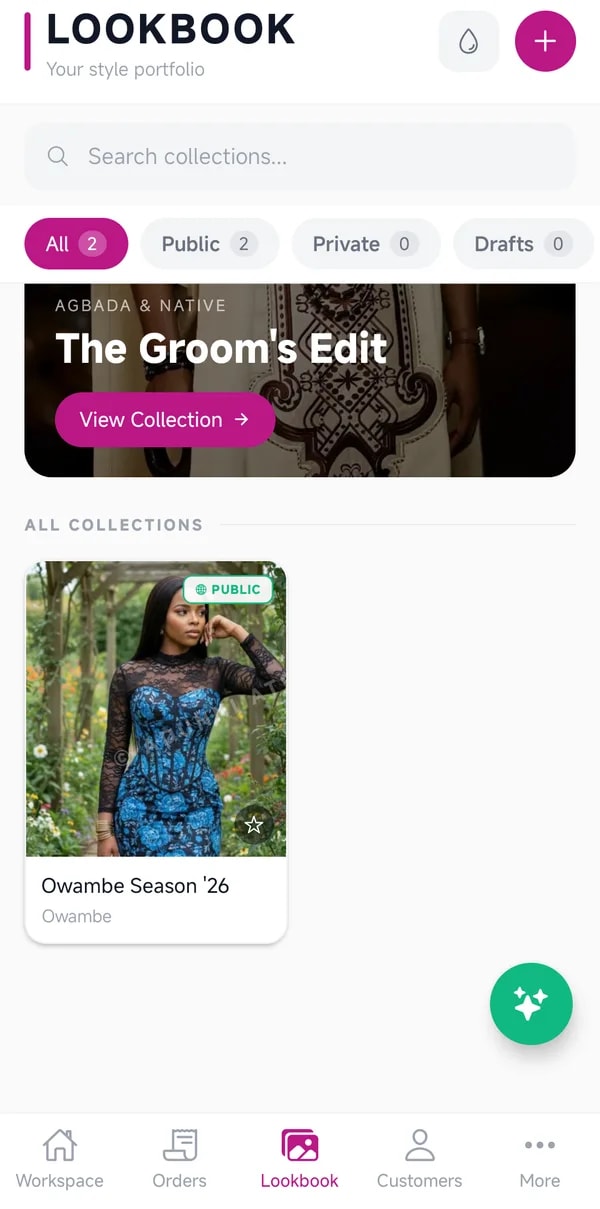
    Albums for every collection and occasion. Share an album with a client before they order, and the styles in it flow straight into their order.

    • Create an album for a collection or occasion
    • Add photos of finished work
    • Share it with a single link

    Opening the boutique

    Your own shop, open all night.

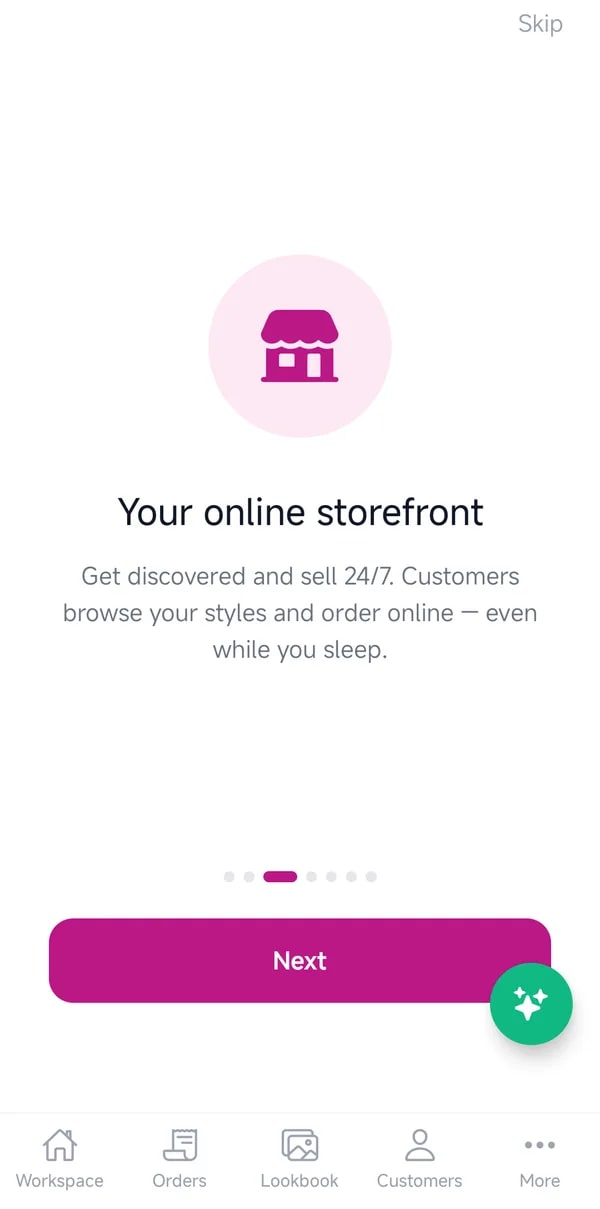
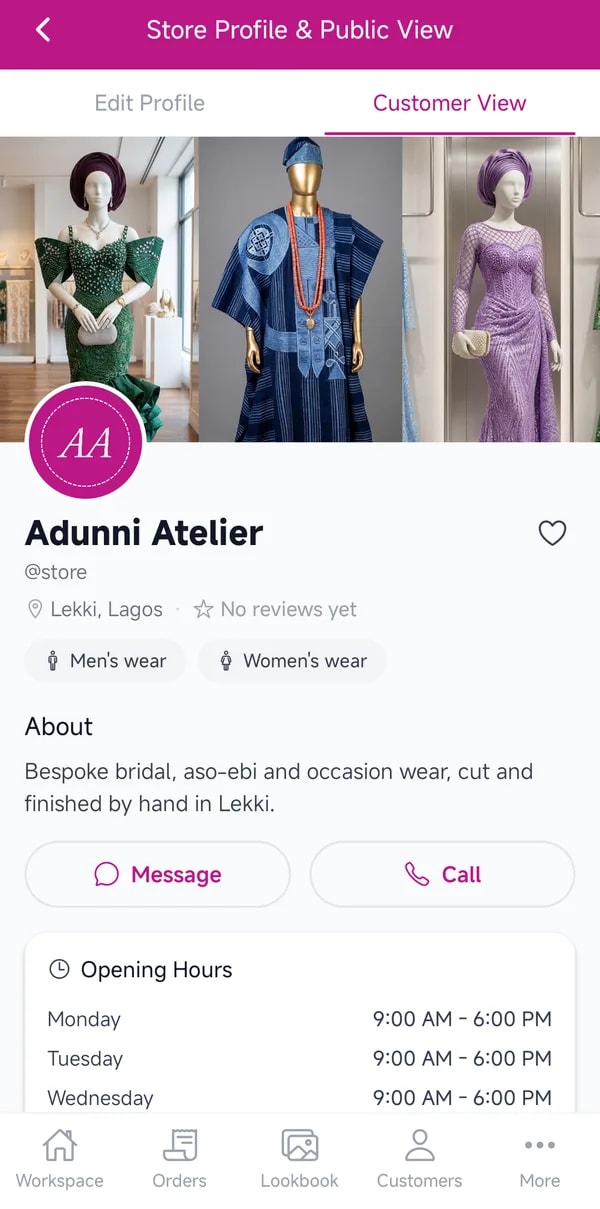
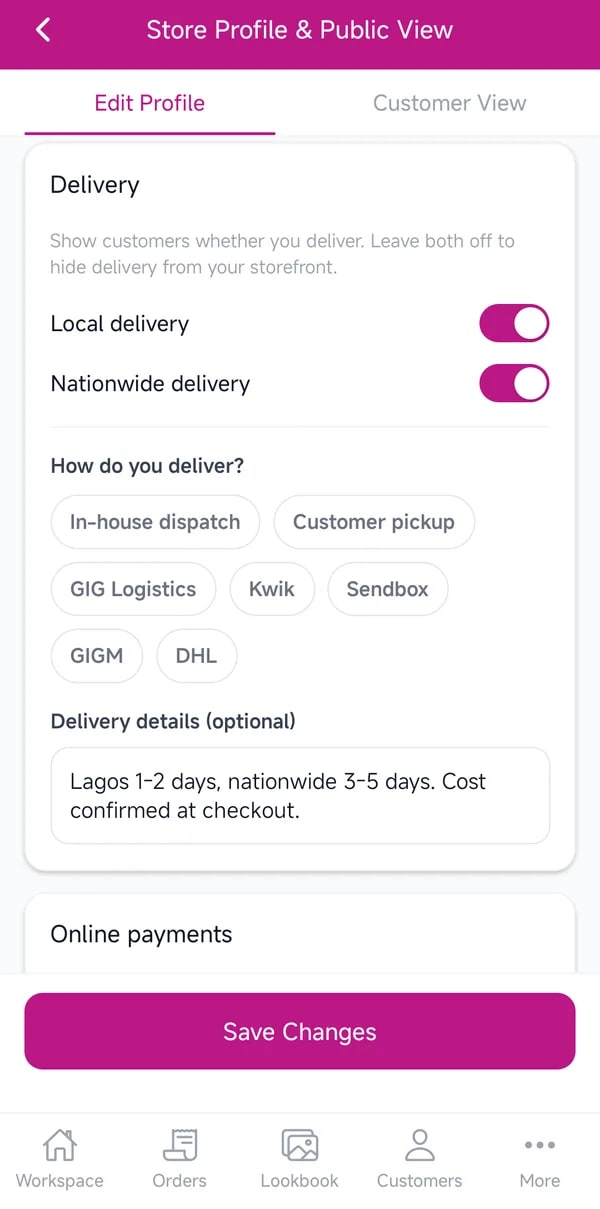
    Turn on your storefront and your catalogue and lookbook become a shop of your own, with delivery options and secure checkout. Online orders land in your orders list like any other.

    • Turn on your storefront in Store Settings
    • Set your delivery options
    • Share your shop link on WhatsApp and Instagram
    • Confirm online orders as they arrive

    Growing the team

    Bring your team in, with the right access.

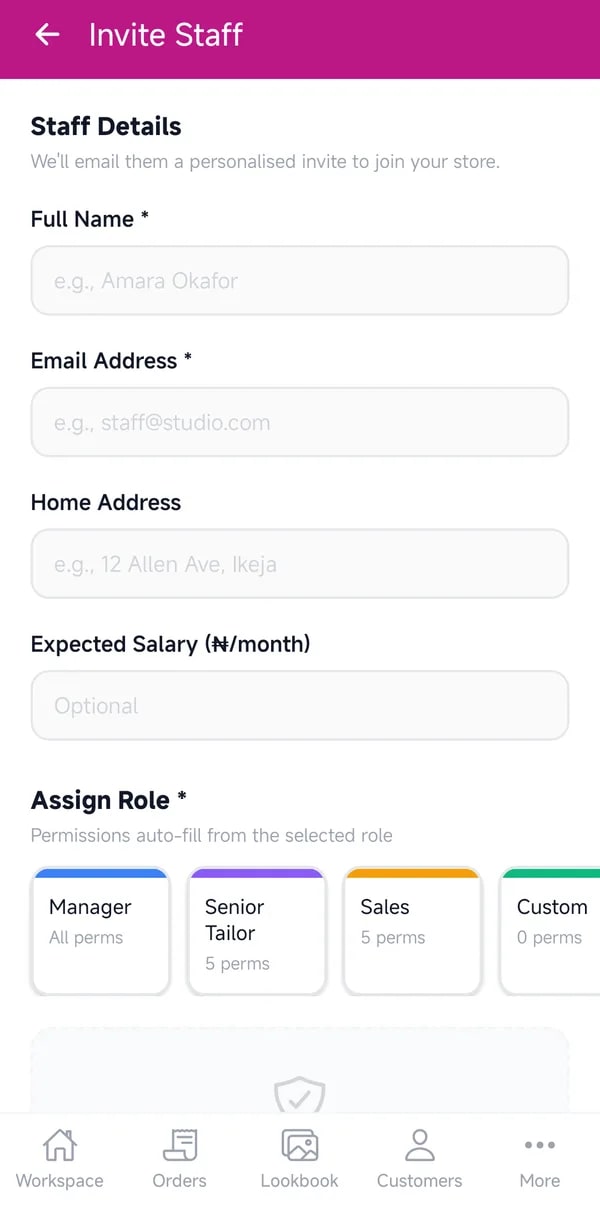
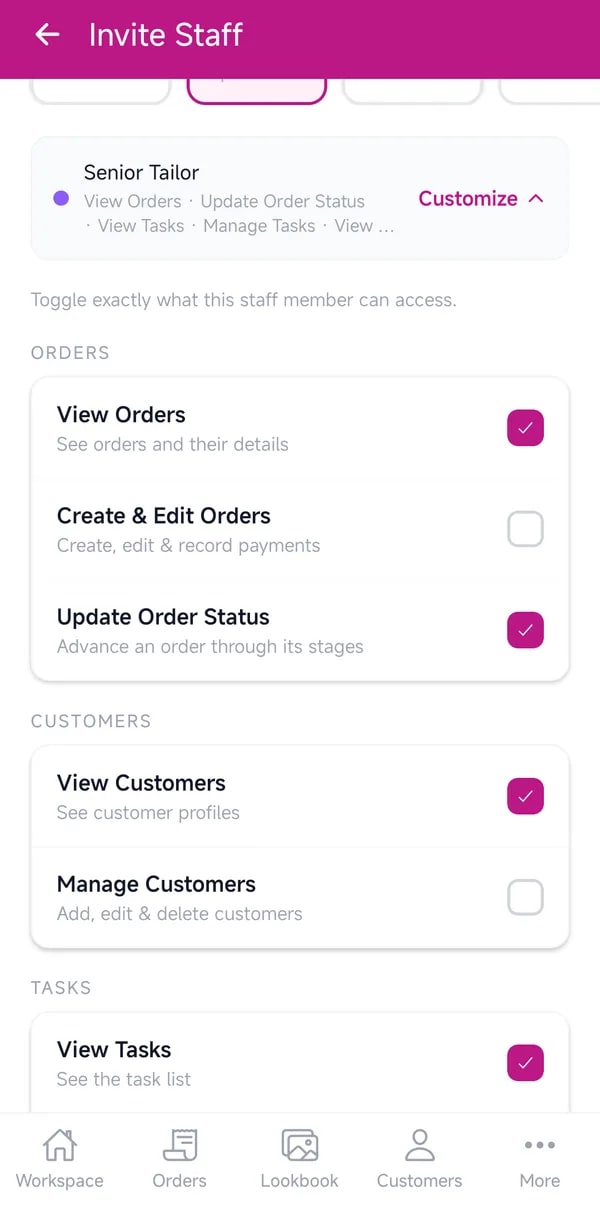
    Invite staff by email and choose exactly what each person can see and do. Profit and payouts stay with the owner, and any change takes effect at once.

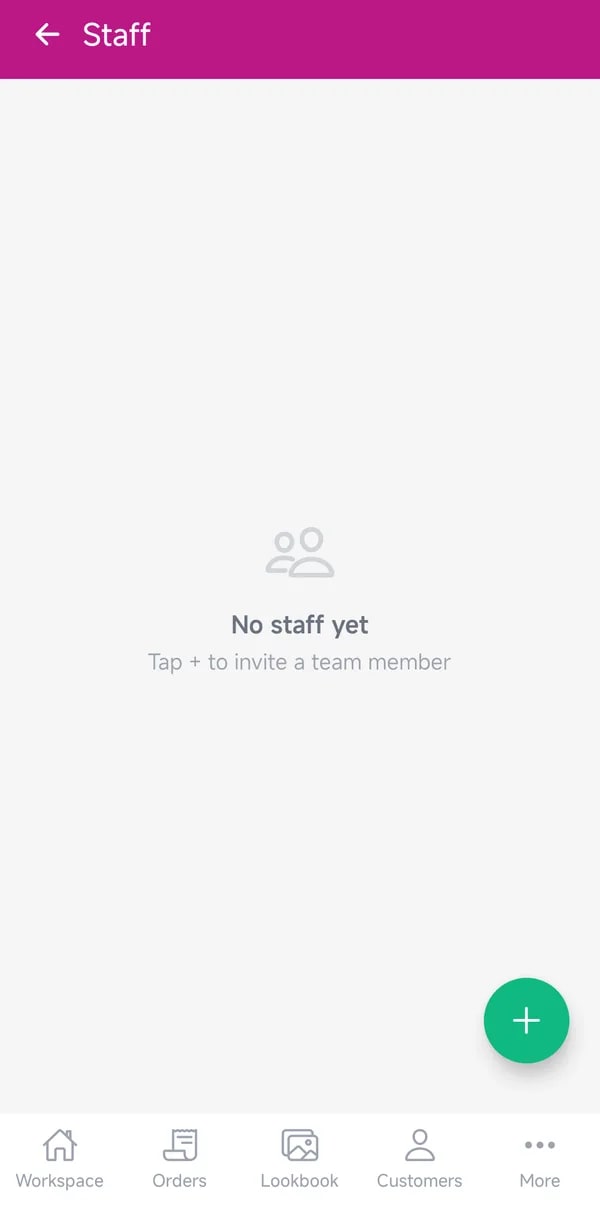
    • Go to More, then Staff, and invite someone
    • Choose their role and what they can access
    • Change or suspend access at any time

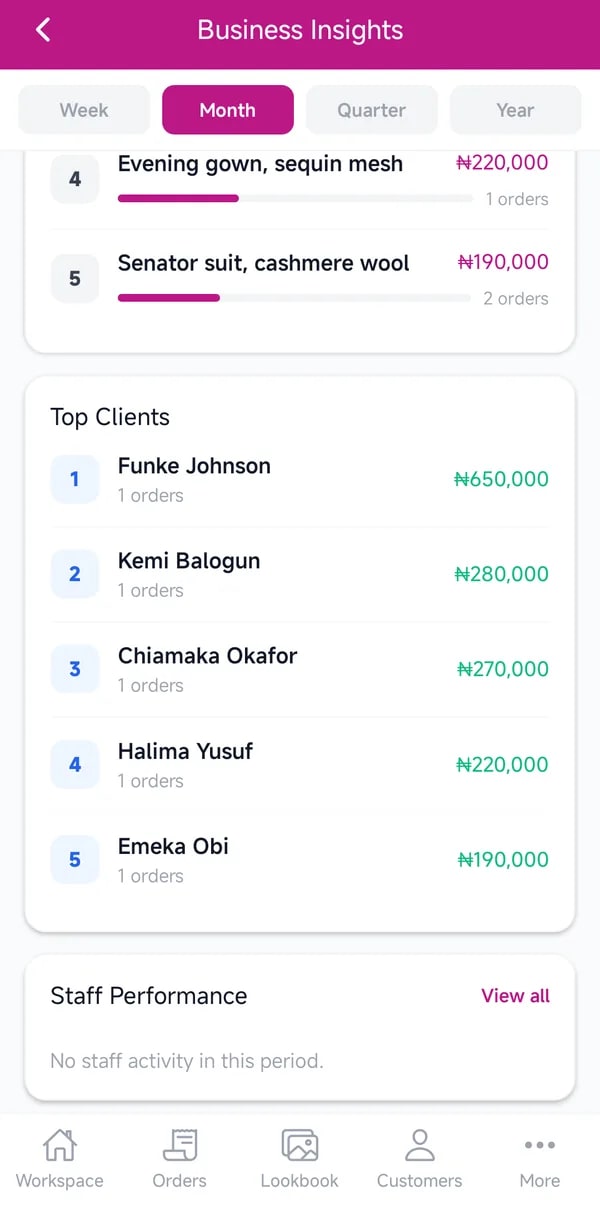
    Knowing your numbers

    See what's really making you money.

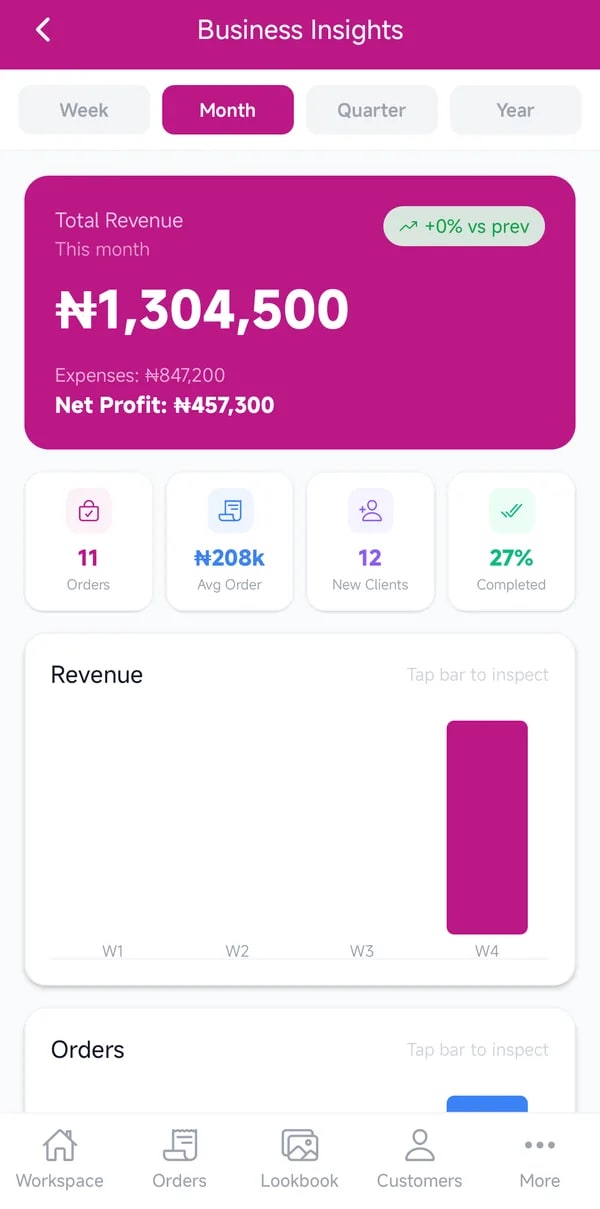
    Revenue, expenses and profit month by month, your best-selling styles and your top clients. Record money in and out, and see what is still owed to you.

    • Choose a period: week, month, quarter or year
    • See revenue, expenses and profit
    • Find your best sellers and top clients

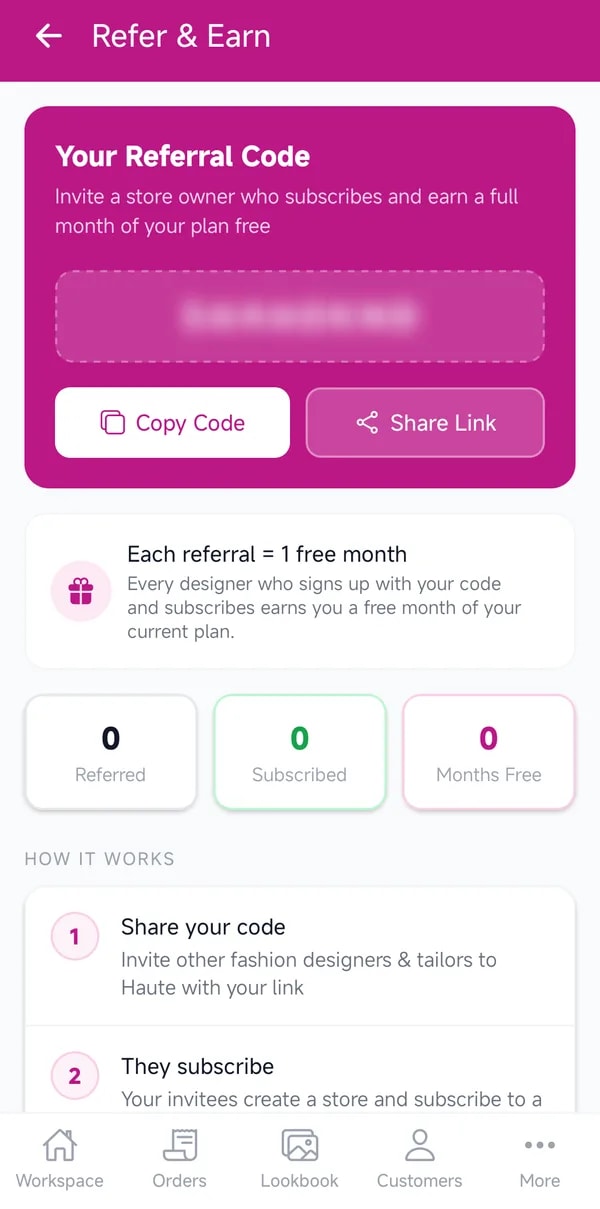
    Paying it forward

    Grow at your pace, and share the love.

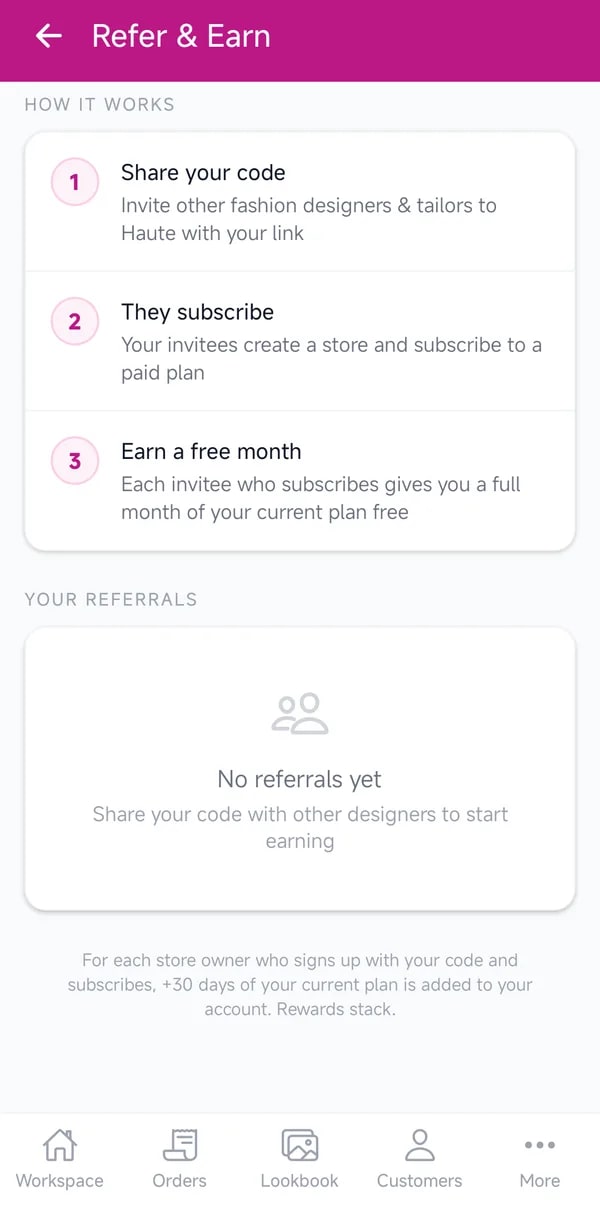
    Every new store starts with a free 30-day Elite trial. Choose the plan that fits when you are ready, and earn free months for every designer you bring who subscribes.

    • Start with a free 30-day Elite trial
    • Pick Starter, Growth or Elite
    • Share your referral code and earn free months

    Your journey

    It starts with one download.

    HauteApp is free on iPhone and Android, and your first 30 days include every Elite feature.

    Download on the App StoreGet it on Google Play
    Or read the help guides